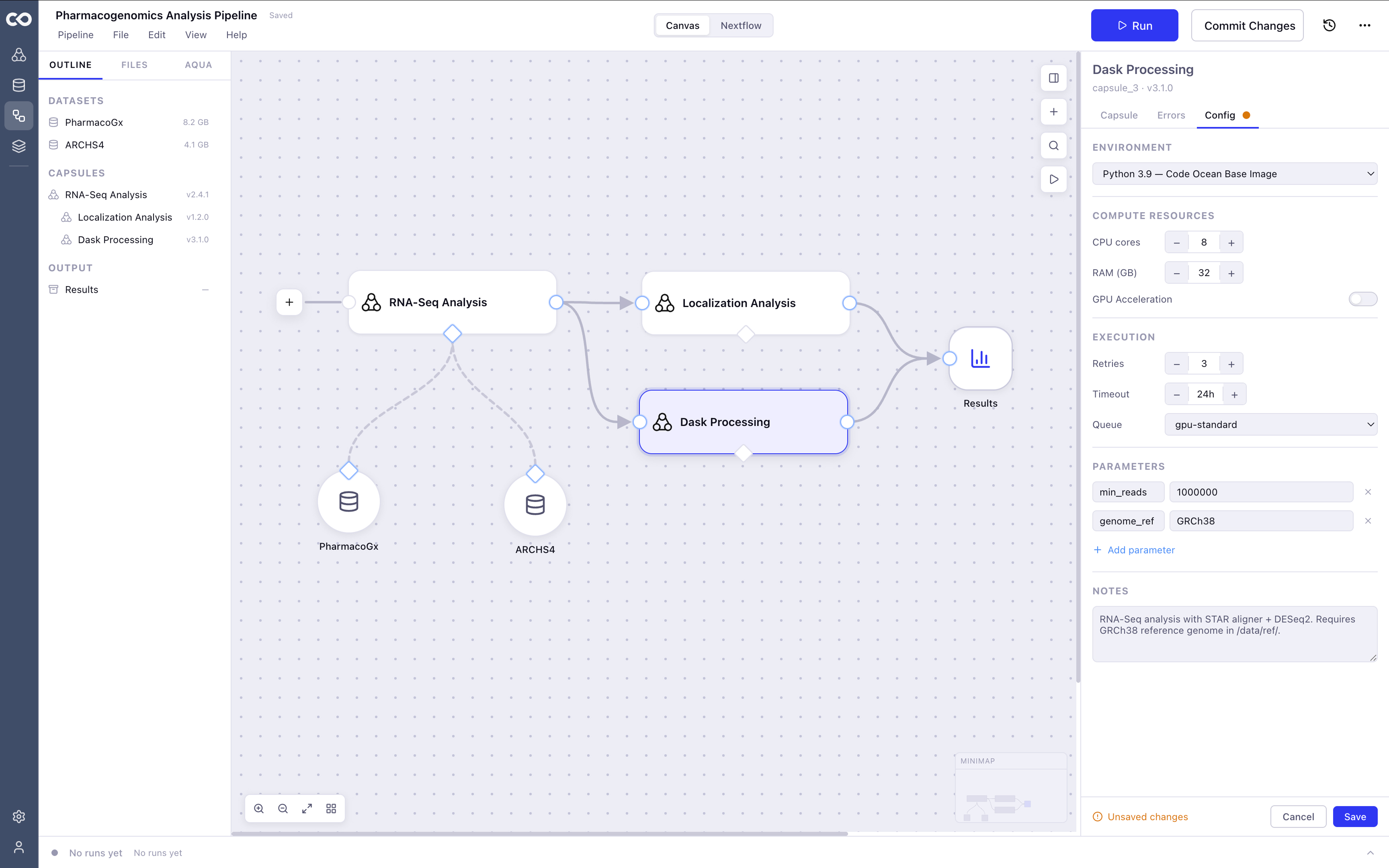
Pipeline Builder for Scientists.
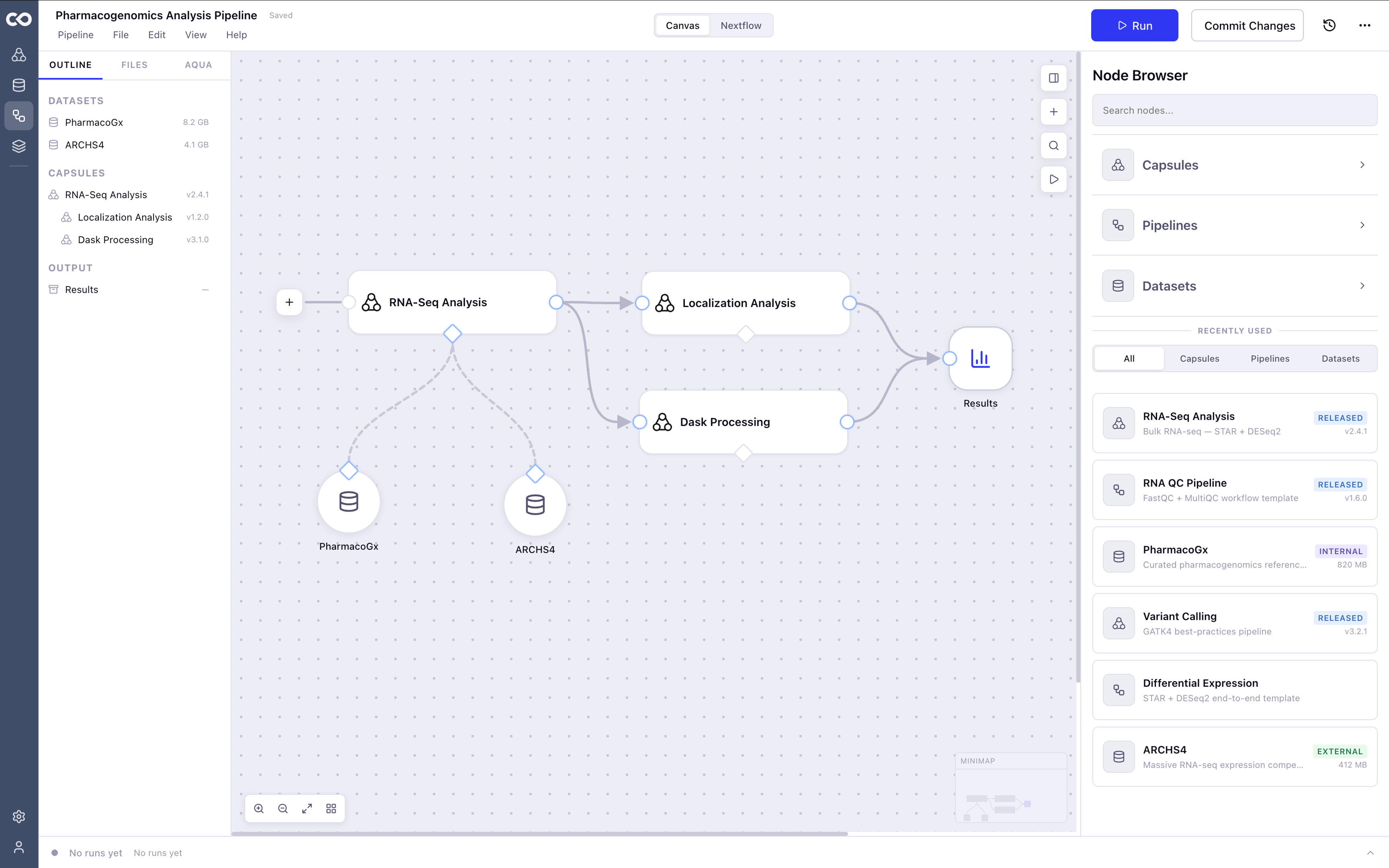
Not everyone on a research team speaks Nextflow. But everyone needs to build pipelines. Code Ocean's Visual Pipeline Builder was built to close that gap, giving computational biologists a way to assemble and run bioinformatics workflows on a canvas, without writing a single line of DSL code.
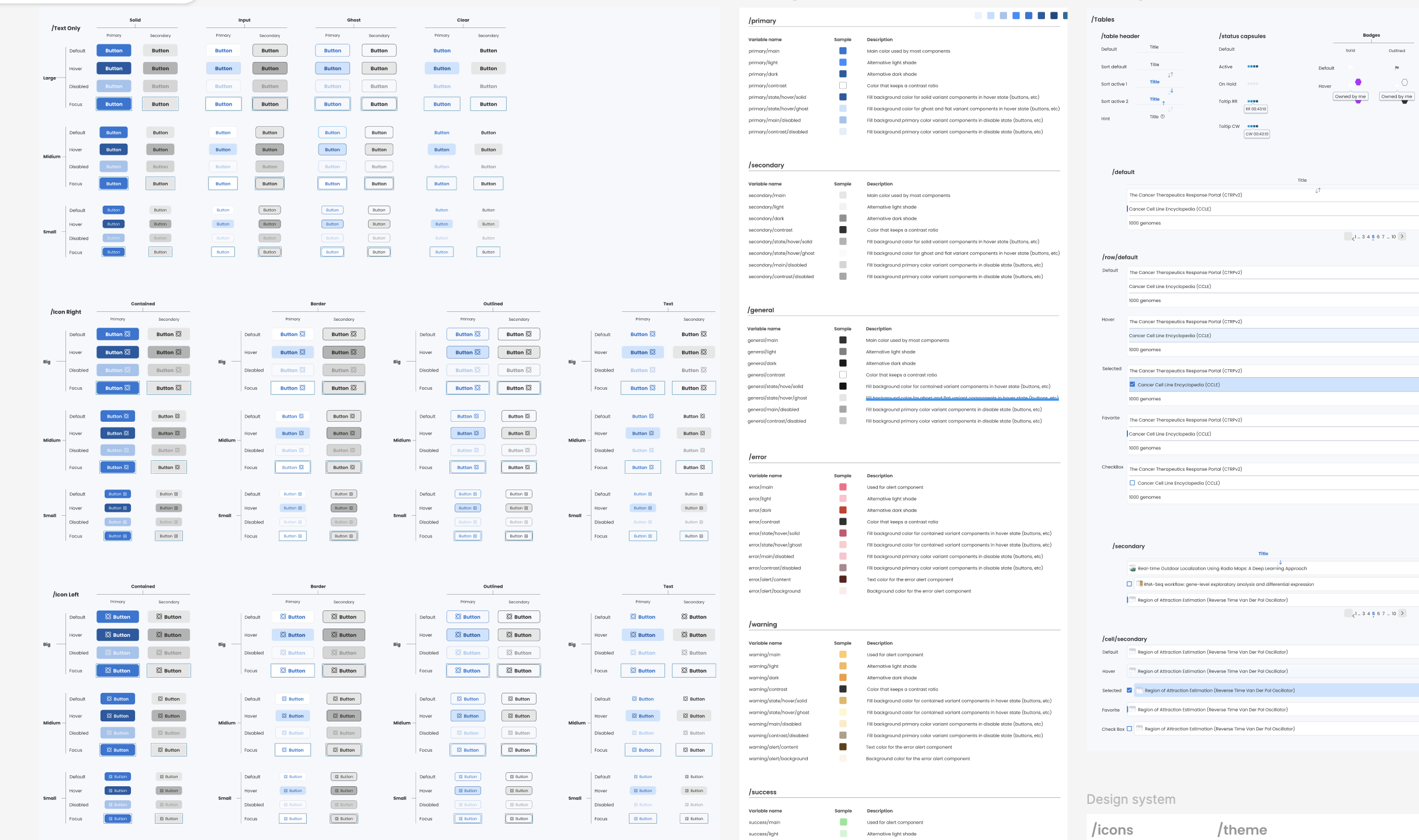
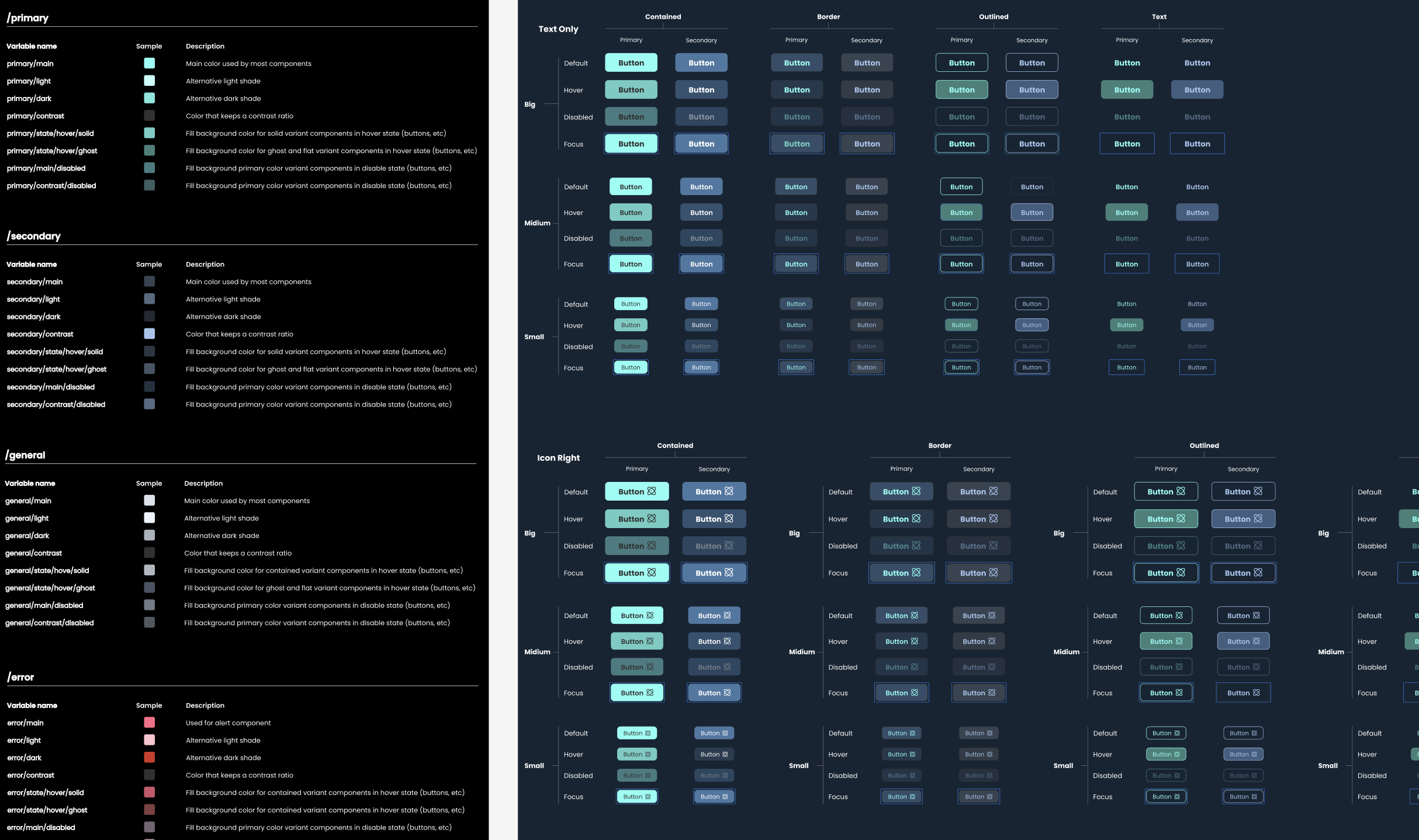
Solo product designer, end-to-end. From the initial audit through IA, wireframes, and component spec. Every decision tied to a real user problem.
Design Process.
How we moved from a fuzzy problem to a shipped solution.
The only way to build a pipeline was to write it in Nextflow. That worked for some users and completely blocked others. Scientists who understood the biology couldn't move forward without engineering help. Collaboration stalled. Research slowed. The tool was powerful in theory and inaccessible in practice.
Make pipeline building accessible to every researcher on the team, regardless of their coding background, without taking anything away from the users who already knew Nextflow.
What users were actually saying
We mapped how research teams actually worked: who built pipelines, who couldn't, and where handoffs broke down. Three things became clear fast.
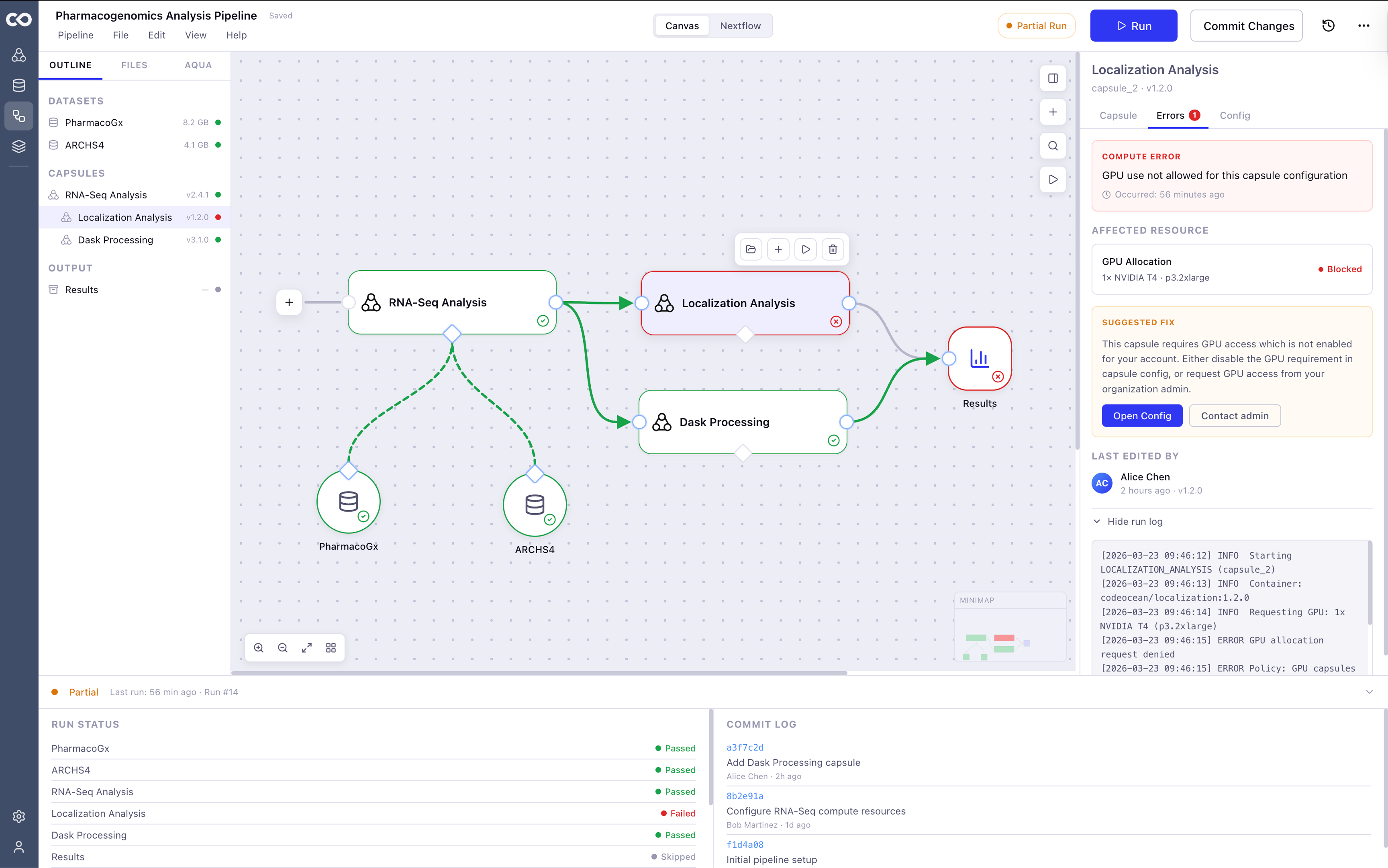
Users had no way to see what their pipeline was doing at a glance. Errors were invisible until something failed. And when something did fail, finding the cause meant digging through logs and truncated footer text. Trust in the tool was low because the tool gave users almost nothing to work with.
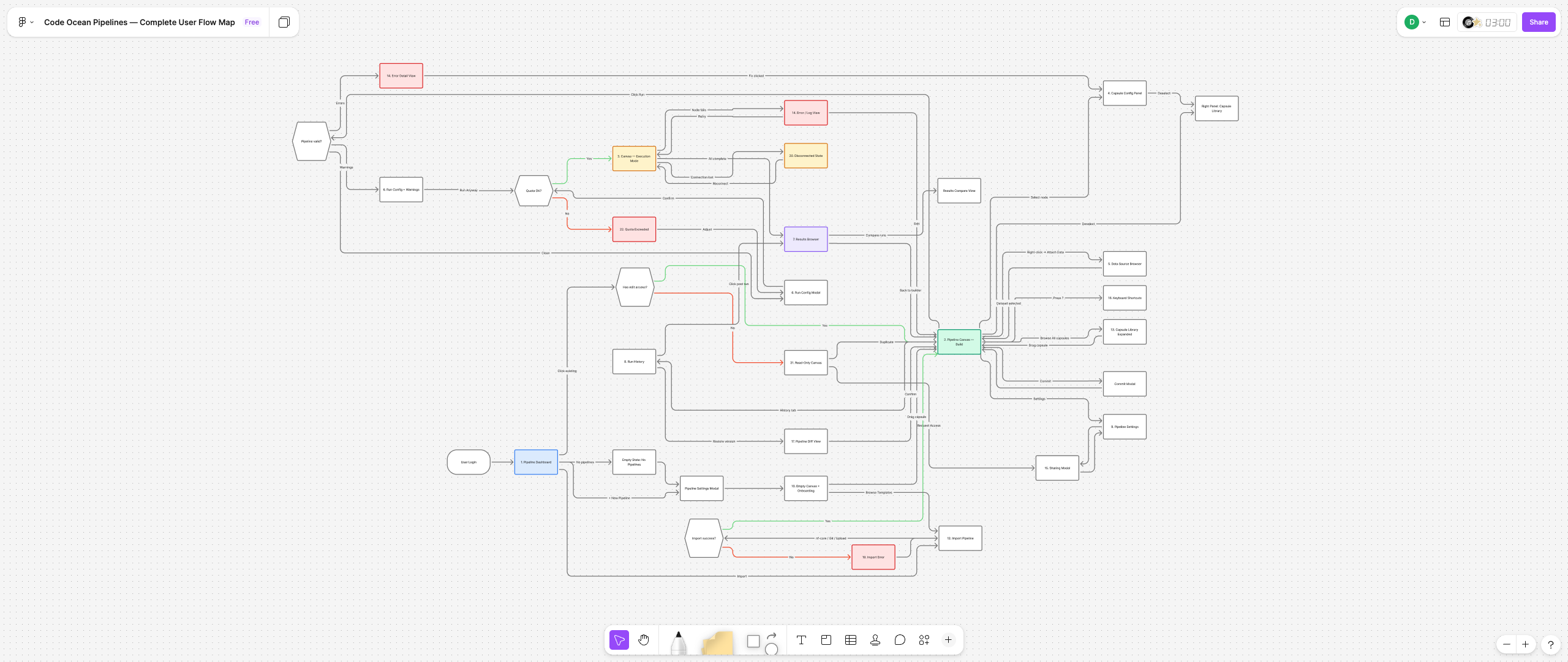
A visual builder with synced Nextflow
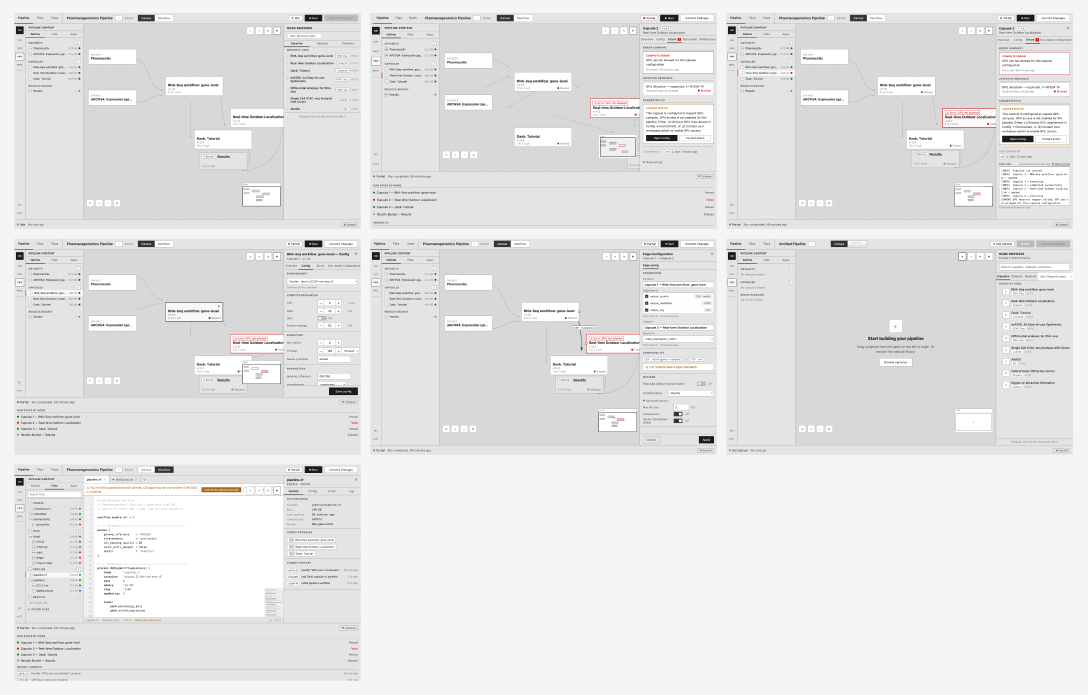
A visual canvas where researchers drag, connect, and configure compute capsules into executable pipelines, no Nextflow required. For users who do know Nextflow, the code stays in sync with the canvas automatically.
The canvas is organized around one rule: show users exactly what they need, exactly when they need it. Run state is always visible. Errors surface on the node where they happen, with a direct path to the fix. Configuration lives in one place. The interaction model has one pattern, not five competing ones.
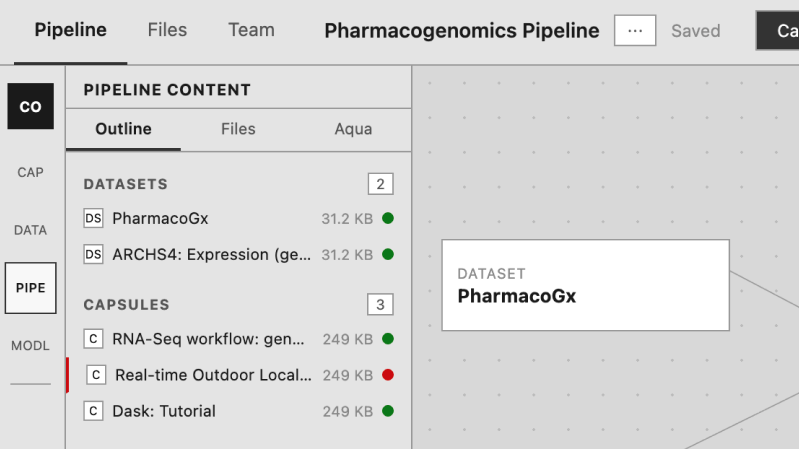
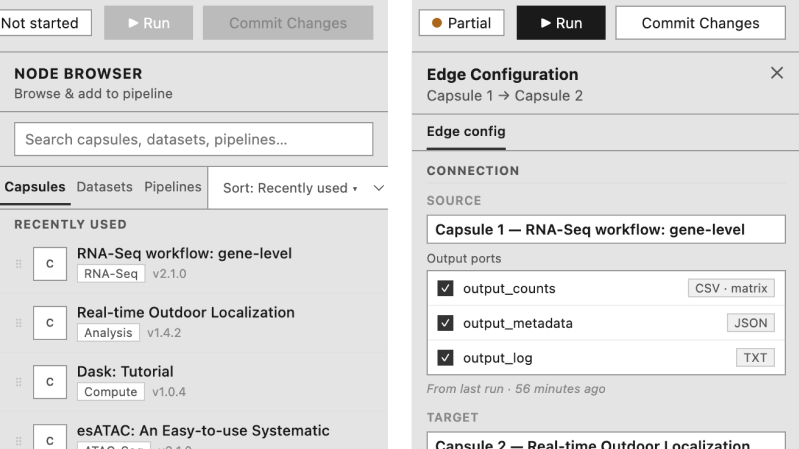
What shipped and what moved
Competing canvas controls reduced from 11 simultaneously visible to 4. One interaction rule replaced two conflicting patterns and three inconsistent control placements. The zone system scales without renegotiating the hierarchy. The 7-screen spec is production-handoff ready.